Building an Enterprise Homelab: The Vision
Not a Raspberry Pi with Pi-hole. Not a basic NAS. A proper enterprise-grade datacenter at home — dual firewalls, 4-node Proxmox cluster, 12 VLANs, and a full service stack.
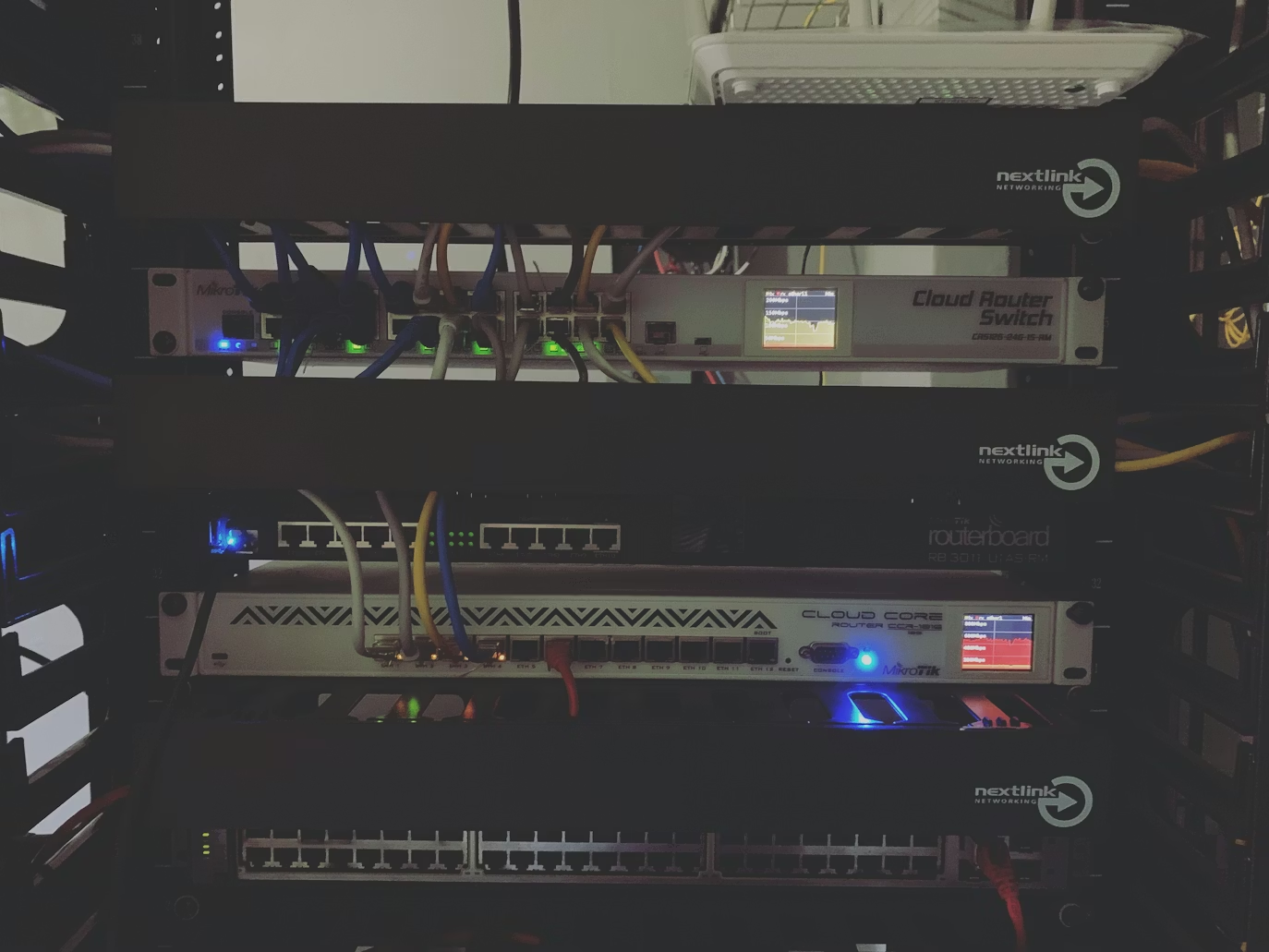
Building an Enterprise Homelab: The Vision
"I don't just want a homelab. I want to build something real."
That was the starting point. Not a single Raspberry Pi running Pi-hole. Not a basic NAS with some Docker containers. A proper, enterprise-grade datacenter at home — the kind of infrastructure that teaches you how production environments actually work.
This is the story of how we built it.
What Are We Building?
A full network stack with:
- Dual firewalls — Cisco FPR1120 + Palo Alto PA-220 in active/standby HA
- Enterprise switching — Cisco Catalyst 3850 stack with LACP port-channels
- 12 VLANs — each zone isolated (HOMEUSER, LAB, DMZ, INFRA, BOT, DB, REMOTE...)
- 4-node Proxmox cluster — with Ceph distributed storage
- Full service stack — DNS, DHCP, VPN, reverse proxy, monitoring, remote desktop
The Hardware
| Device | Role | Specs |
|---|---|---|
| Dell R630 | Primary compute (pve-main) | 32 cores, 96GB RAM |
| Intel J4125 Mini PC | Infrastructure node (pve-infra) | 4 cores, 8GB RAM |
| Xeon E3-1230v3 | Database node (pve-db) | 4 cores, 15GB RAM |
| Xeon X3440 | NAS node (pve-nas) | 4 cores, 15GB RAM |
| Cisco Catalyst 3850 | Core switching | 2-unit stack |
| Cisco FPR1120 | Primary firewall | Firepower Threat Defense |
| Palo Alto PA-220 | Backup firewall | PAN-OS 10.2 |
The hardware came from second-hand markets, server auctions, and old office equipment. Enterprise gear is surprisingly affordable once businesses cycle it out.
Why Dual Firewalls?
Most homelabs have one firewall. We have two — from different vendors. Here's why:
Redundancy without a single vendor's bugs. If Cisco pushes a bad update, the Palo Alto is standing by. If the FPR1120 hardware fails, PA-220 picks up the internet connection within seconds.
Real learning. Running one firewall is basic. Running two in HA — where you have to think about asymmetric routing, policy synchronization, and failover timing — that's the stuff you deal with in enterprise environments.
The catch: VRRP requires vendor support, and Cisco FTD + PAN-OS can't form a cross-vendor VRRP pair. So we built our own HA using:
- Cisco IOS-XE IP SLA to detect firewall health
- Policy-Based Routing to steer traffic to the primary
- EEM applets to switch route-maps when failover is detected
No fancy protocols. Just IOS features that have existed for 20 years.
The Software Stack
| Service | Implementation | Why |
|---|---|---|
| DNS | BIND9 (primary + secondary) | Industry standard, full zone control |
| DHCP | Kea DHCP4 | ISC's modern replacement for ISC DHCP |
| VPN | WireGuard + OpenVPN | WG for speed, OVPN for compatibility |
| Remote Desktop | RustDesk (self-hosted) | Open source, no cloud dependency |
| Reverse Proxy | NGINX | Simple, fast, battle-tested |
| Monitoring | VictoriaMetrics + Grafana | Prometheus-compatible, HDD-friendly |
| DDNS | Cloudflare API | Free, reliable, 60s TTL |
The Philosophy
Every decision in this build has a reason:
- No GUI-only tools — everything must be CLI-manageable
- No single points of failure — DNS has primary + secondary, DHCP has primary + secondary, firewalls are redundant
- Document everything — if it's not written down, it doesn't exist
- Learn by doing — the problems we hit are features, not bugs
The goal isn't a perfect homelab. It's a homelab that teaches you to build perfect infrastructure.
Next post: Dual-Firewall HA: Making Cisco and Palo Alto Work Together